Remove
The bin, the sign, the stranger at the edge of the shot. Let the app find the object, tap it yourself, or paint over it — then the gap fills itself back in.
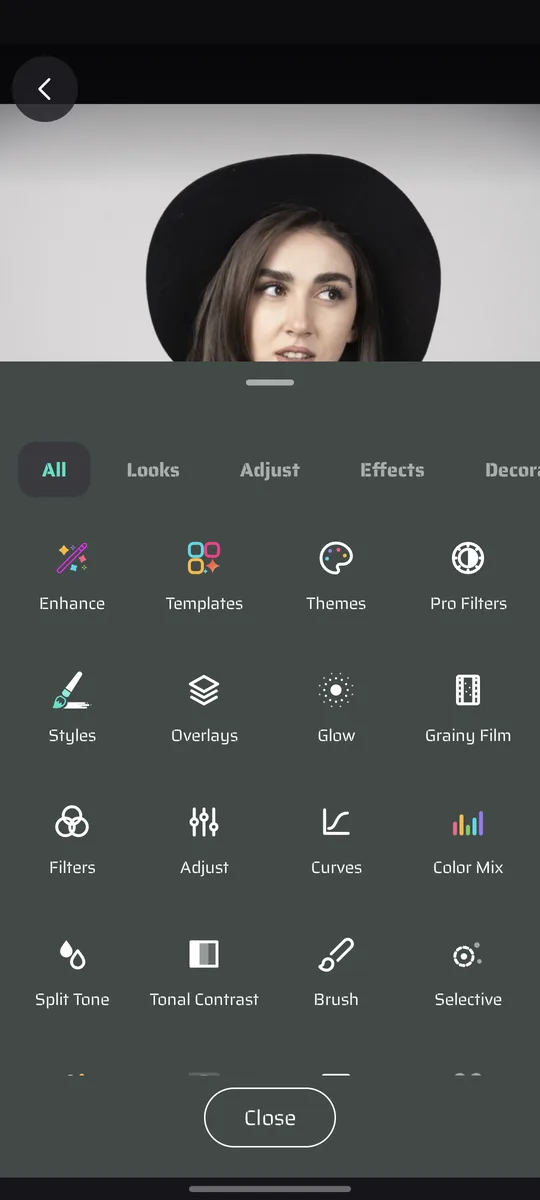
PhotoMaker stacks 30+ professional tools onto one photo — 180+ AI styles, 130+ film grades, subject-aware masking, liquify, background swaps — and every one of them happens on your own phone. Nothing uploads. Nothing watermarks.
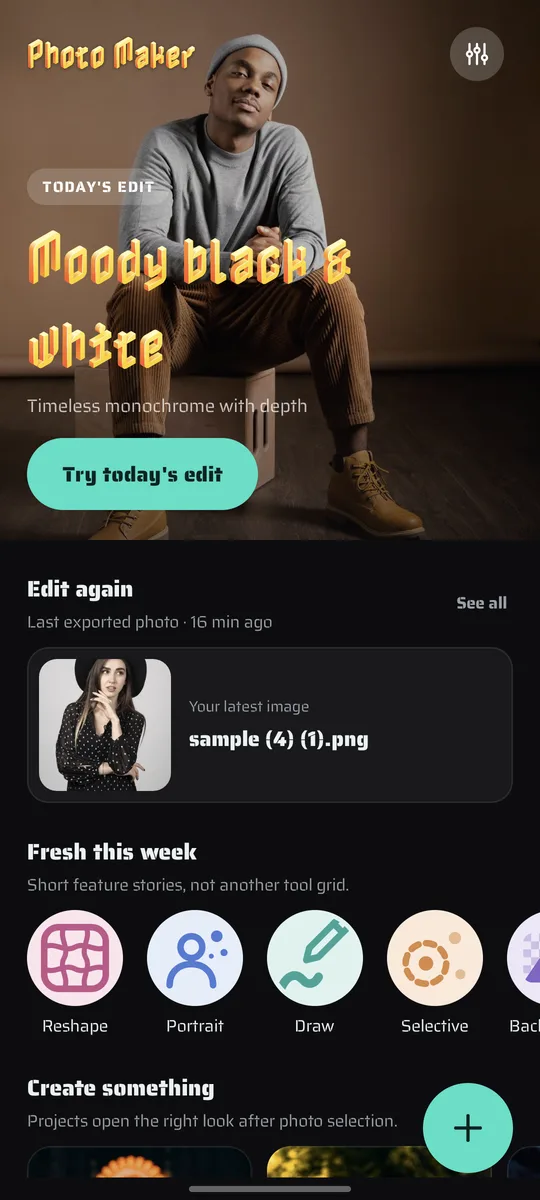
Actual app screen. A different hero every week, your last export one tap away, and short feature stories instead of another tool grid.
Version 2.0 · out now
The biggest update the app has had: two new tools, a second shelf of AI styles, and a region switch on every effect in the editor.
The bin, the sign, the stranger at the edge of the shot. Let the app find the object, tap it yourself, or paint over it — then the gap fills itself back in.
86 more art styles on a second shelf. You browse the whole set offline and only the one you tap comes down — and a Manage downloads screen gives the space back.
Every slider now has a target. Warm the person without lifting the sky, blur what is behind them, and keep separate settings for each side of the mask.
Finish an edit you like and keep the whole recipe — every tool, every value, in order. Apply it to tomorrow’s photo in one tap, or start from the 94 built in.
Proof, not promises
Three edits made in the app, untouched. Grab a handle and pull.
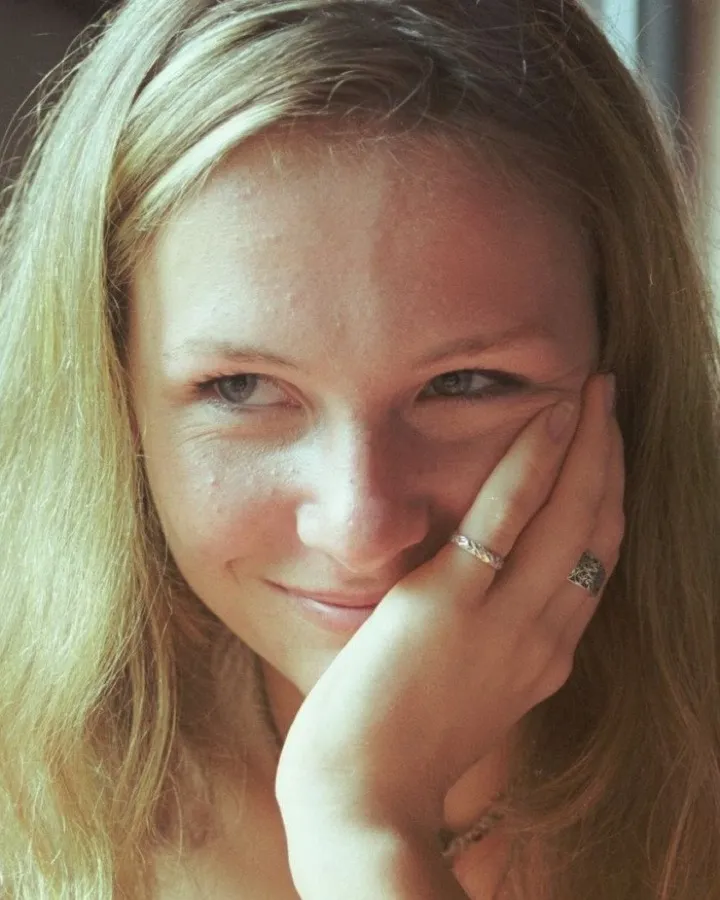
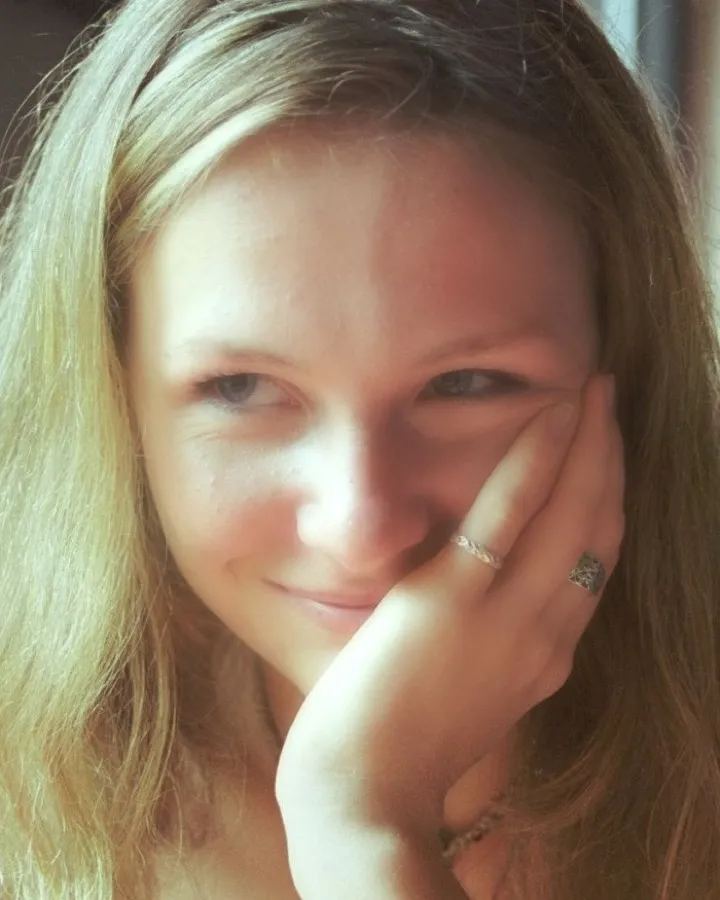 BeforeAfter
Spotlight, skin smoothing and eye clarity aligned to detected faces — pores and lashes left intact.
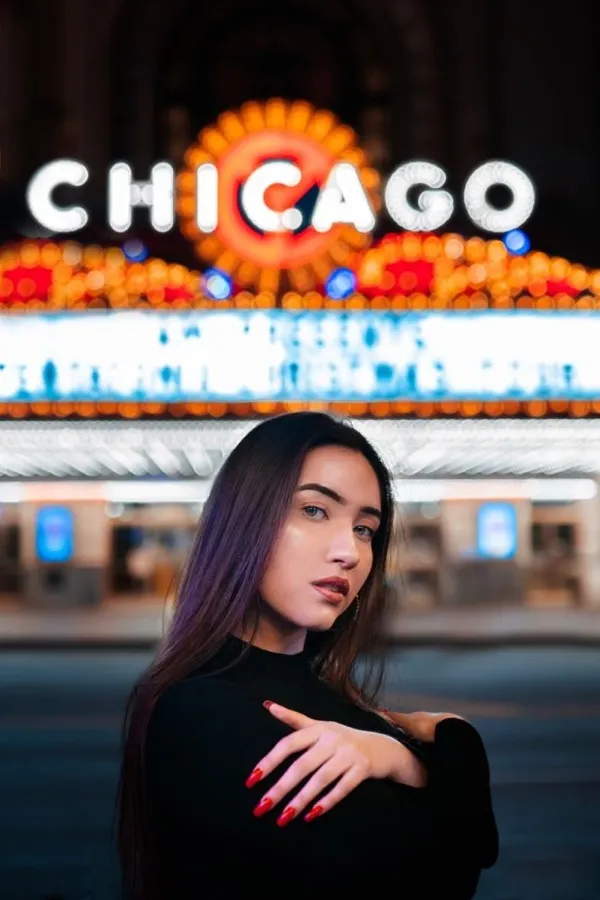
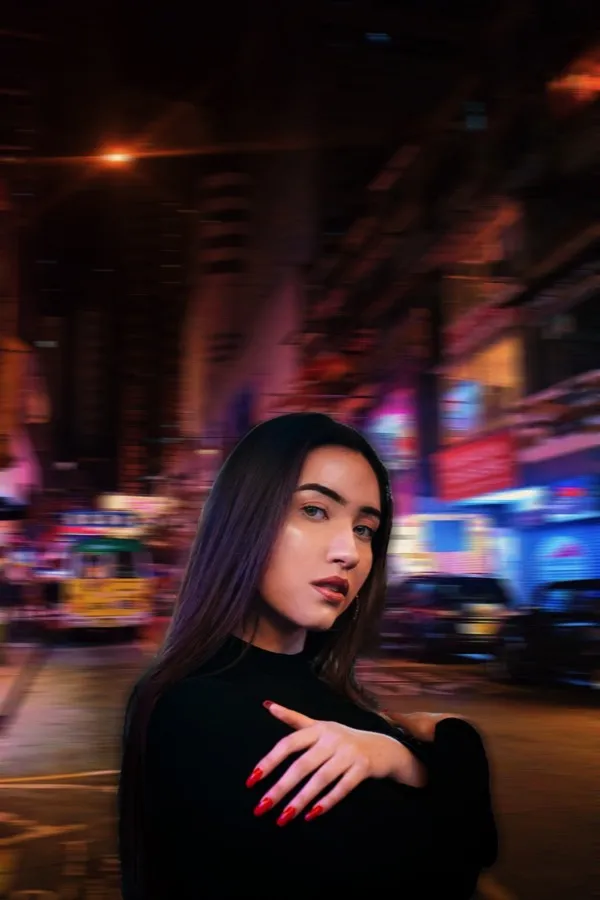 BeforeAfter
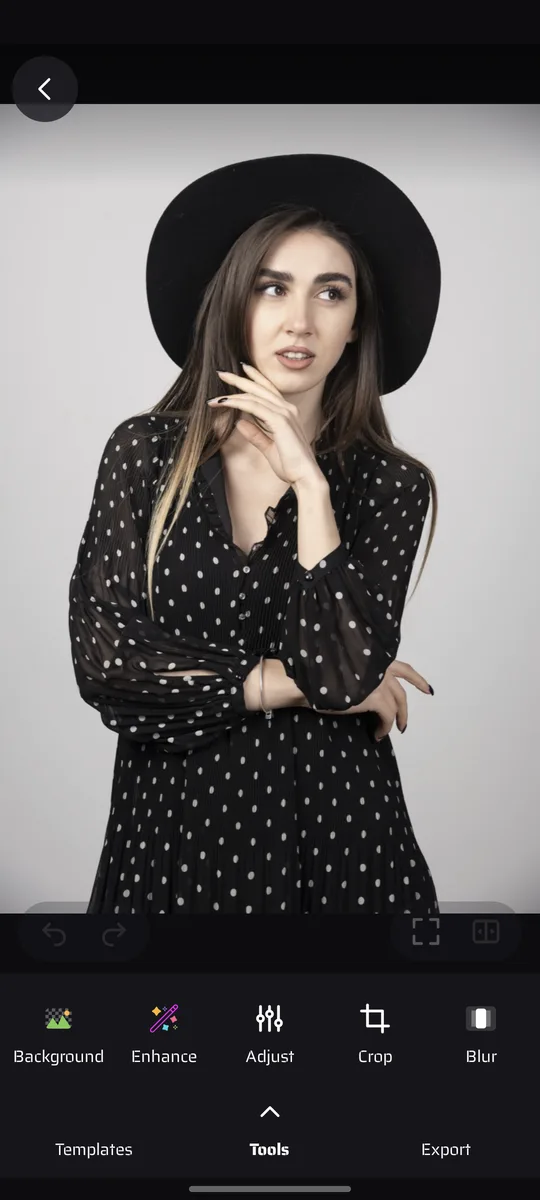
One tap cuts the subject mask, then fill behind it with transparency, a colour or a whole new photo.
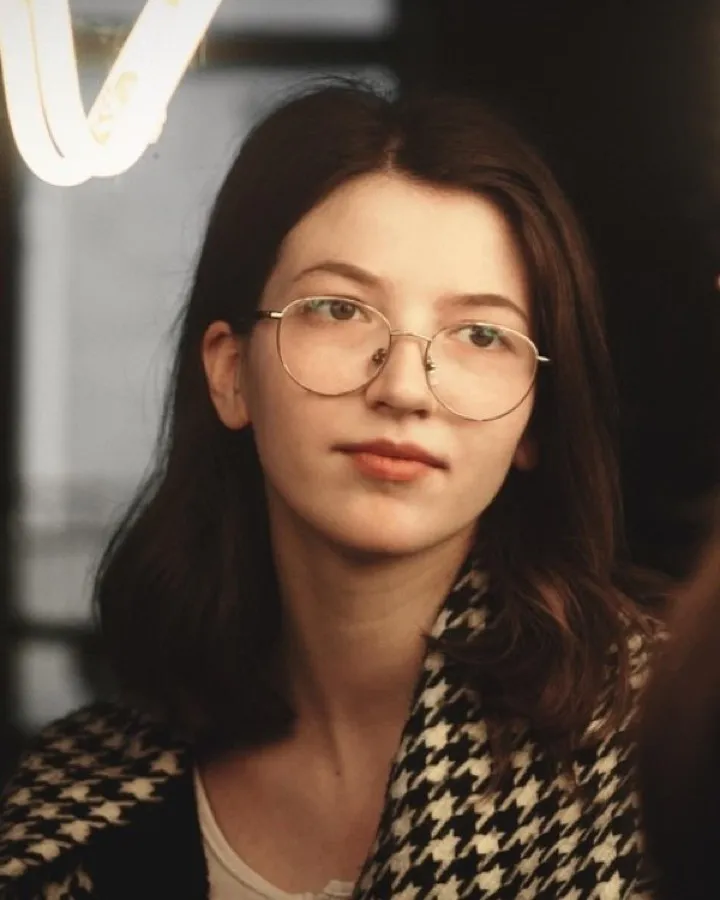
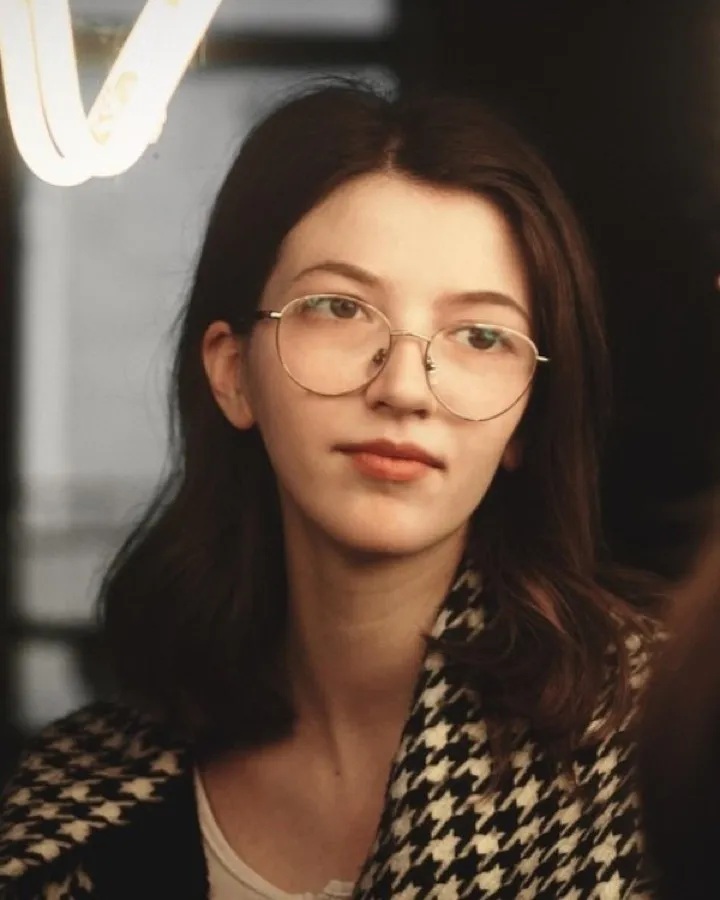 BeforeAfter
Push, swell, pinch and twirl. You paint the warp in with your finger, one stroke at a time.
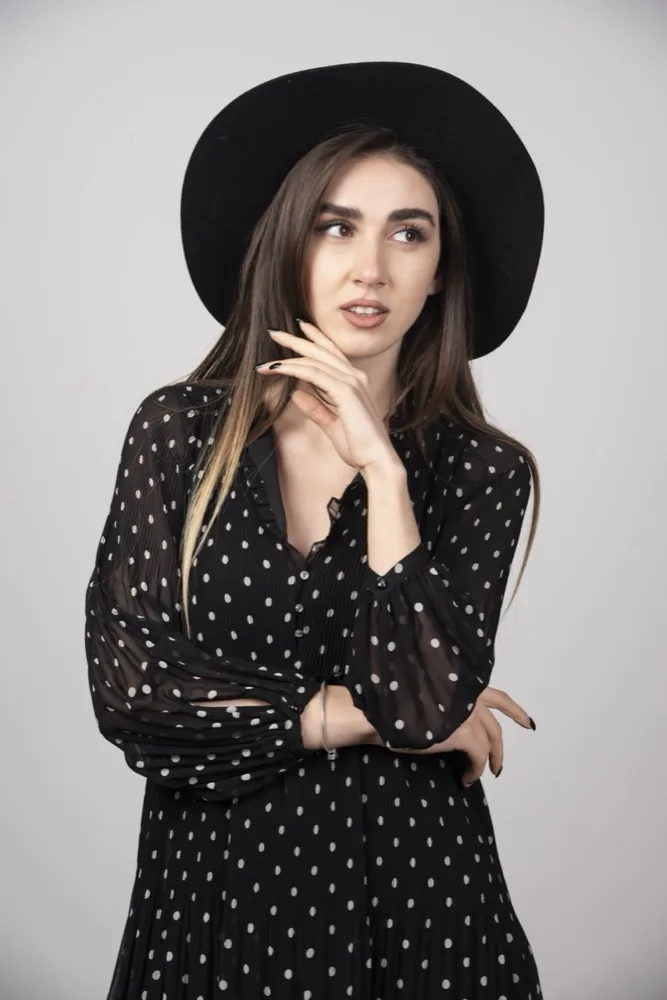
Live demo
A browser stand-in for the editor's core idea: every effect bakes onto the photo, so the next one builds on top instead of replacing it.
AI styles
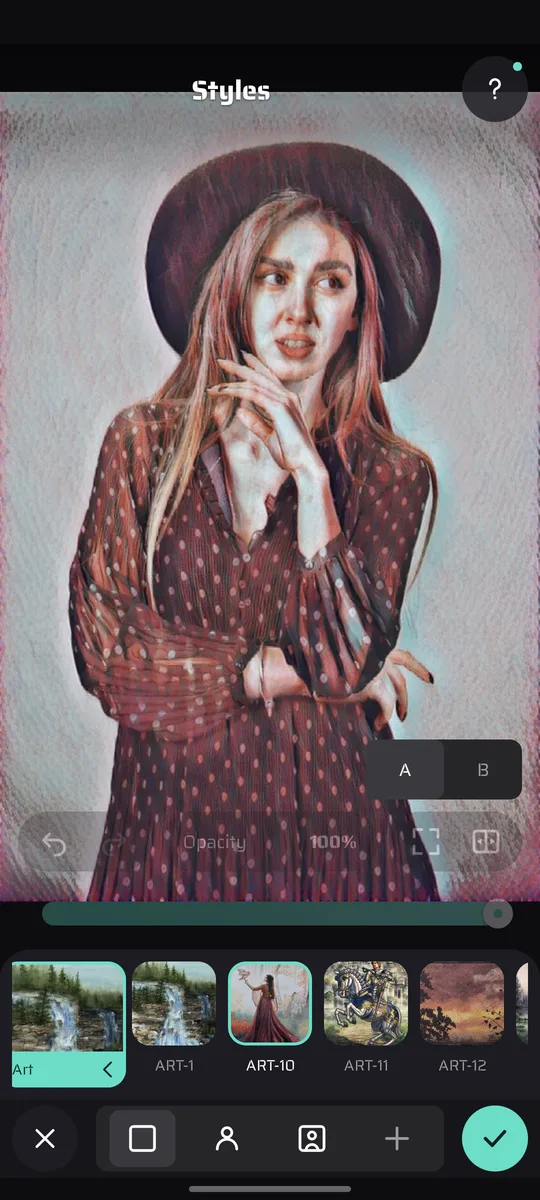
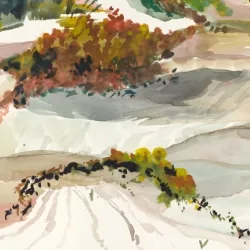
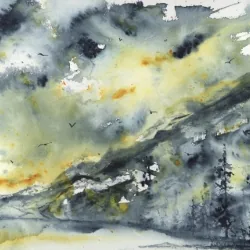
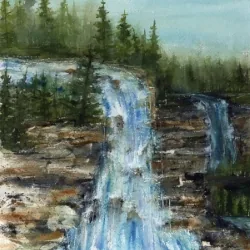
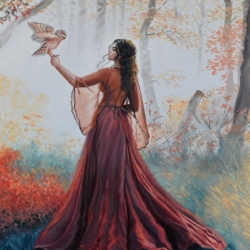
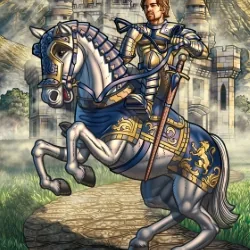
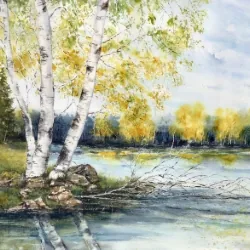
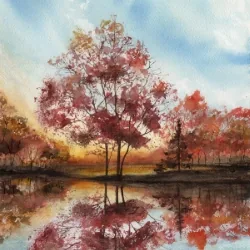
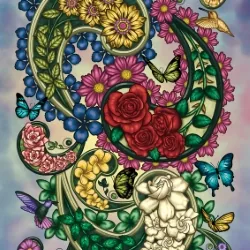
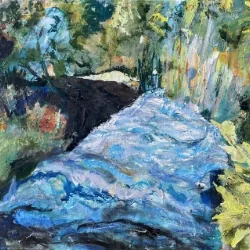
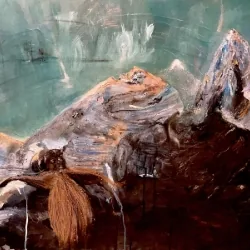
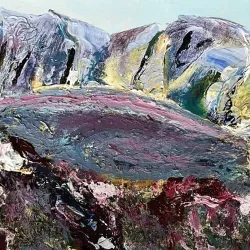
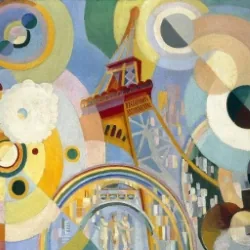
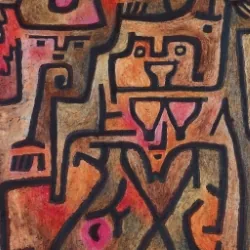
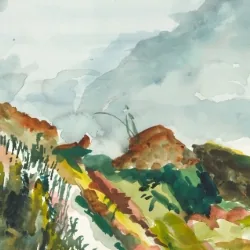
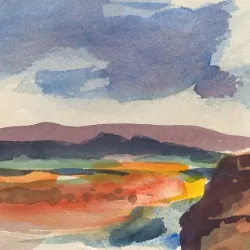
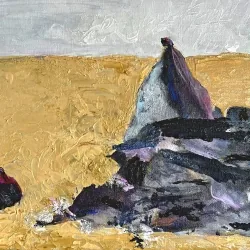
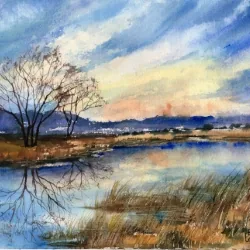
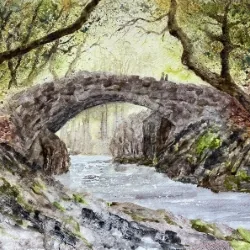
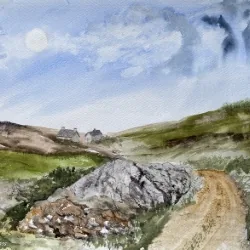
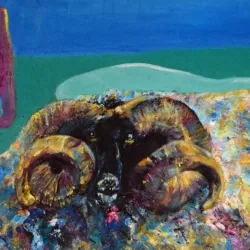
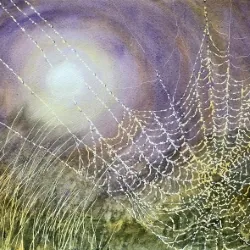
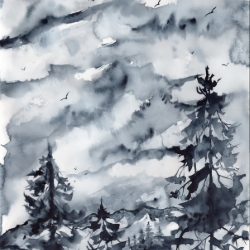
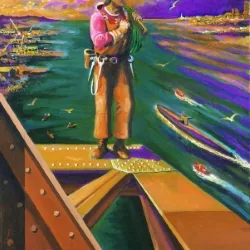
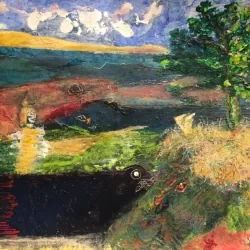
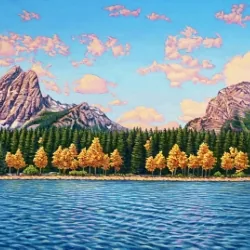
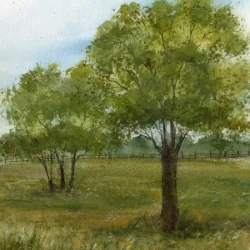
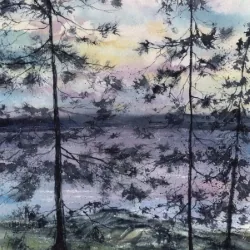
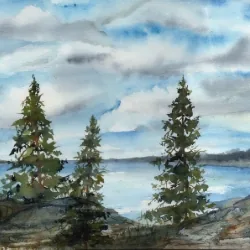
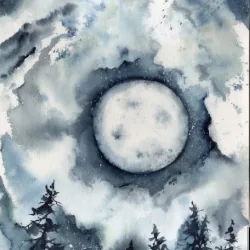
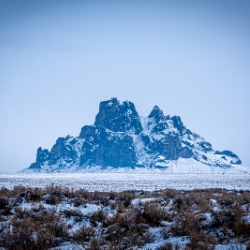
Repaint a photo in someone else's hand — oil, ink, marker, chalk, snow. 182 ship inside the app; AI Styles+ adds 86 more that arrive one at a time, only when you tap one. It all happens on your phone, and a style you have used once comes back instantly. Airplane mode works. Your face never becomes anyone's training data.
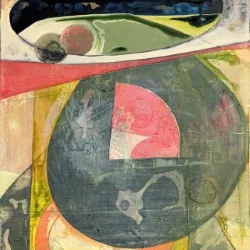

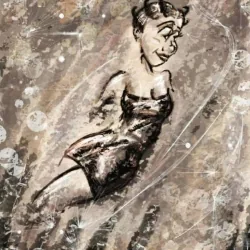
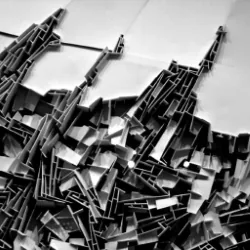
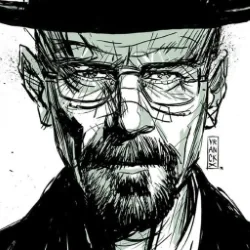
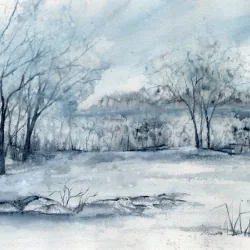
One-tap looks
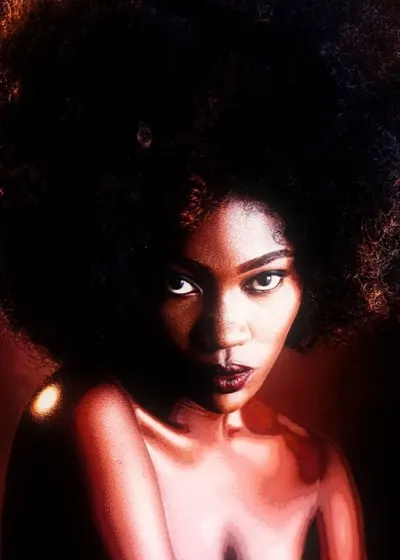
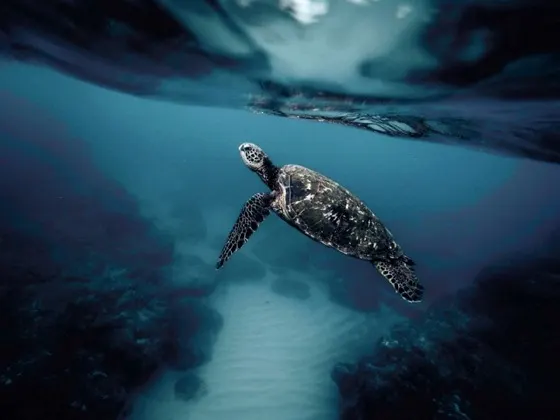
Grades built and named by hand, then made replayable. Save your own session as a look and every slider, masked region and placed object replays on the next photo.
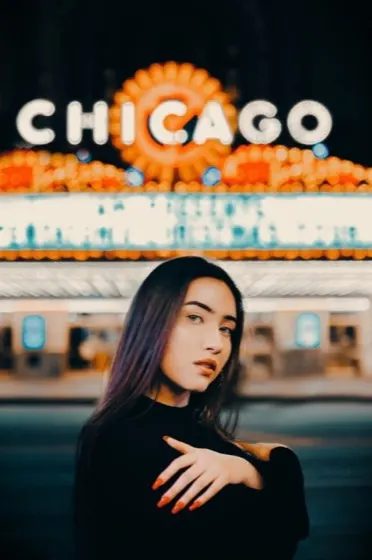
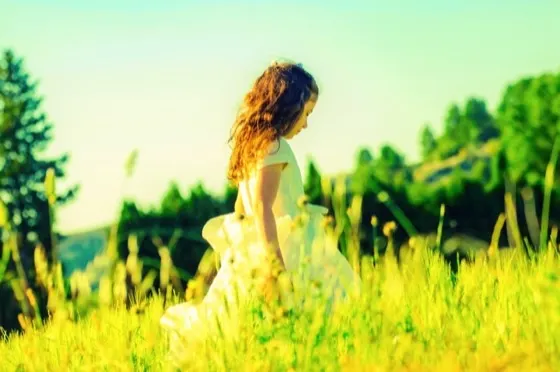
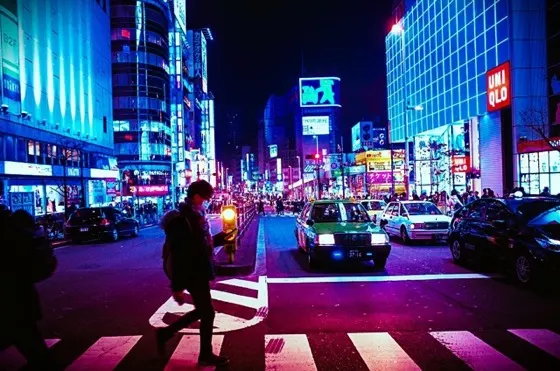
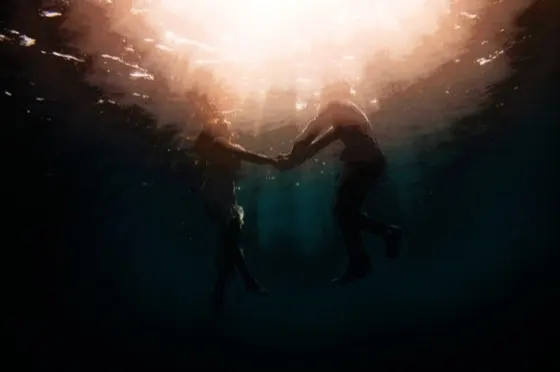
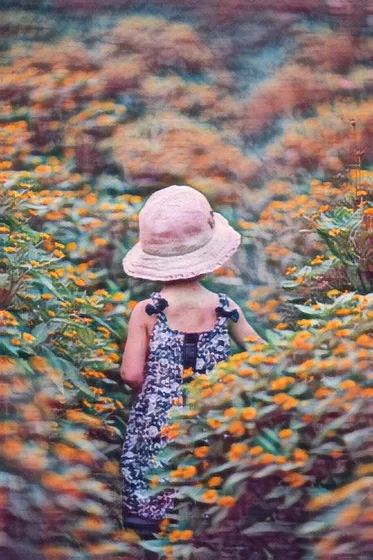
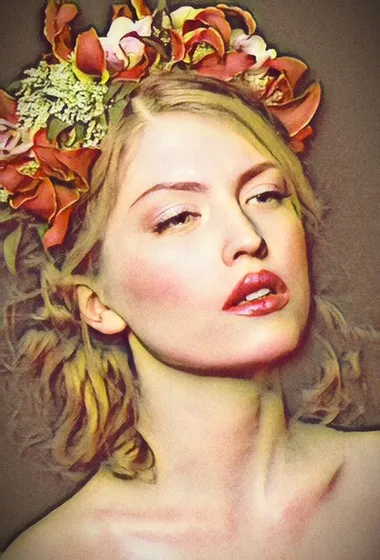
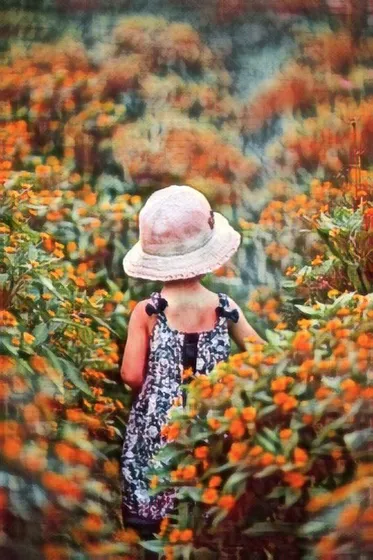
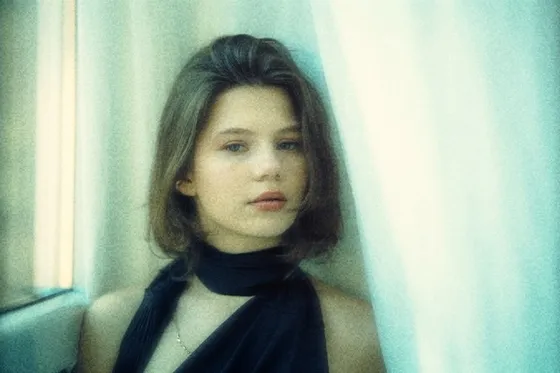
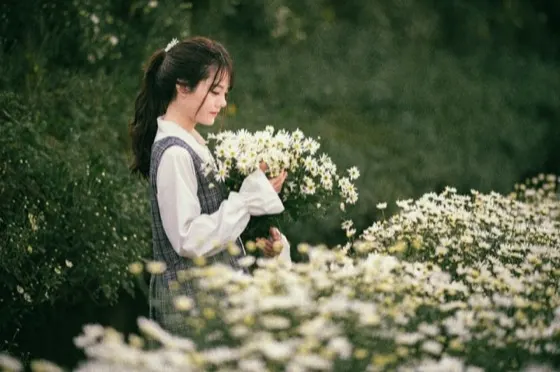
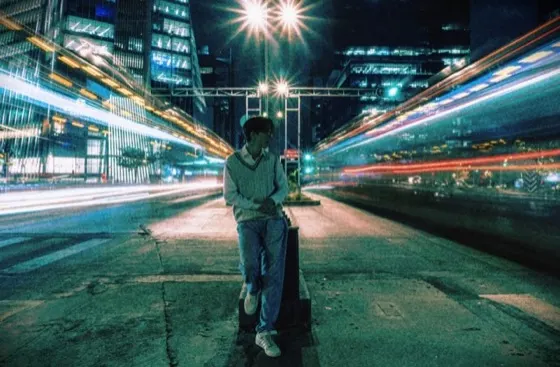
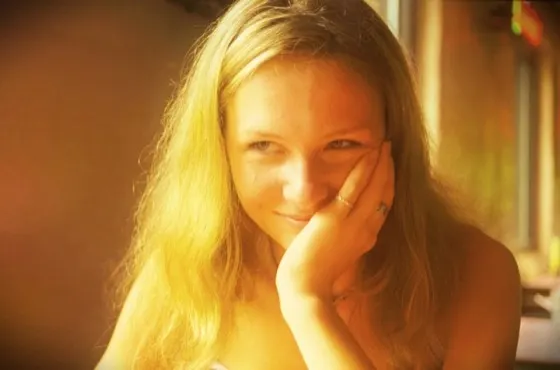
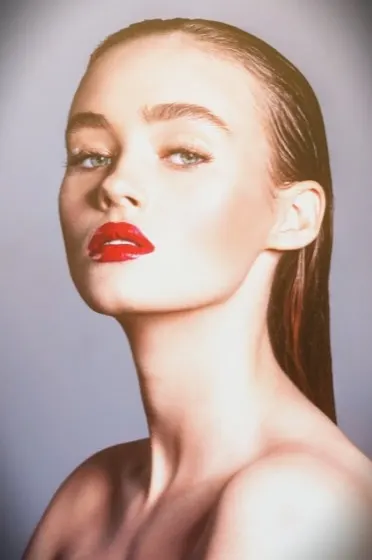
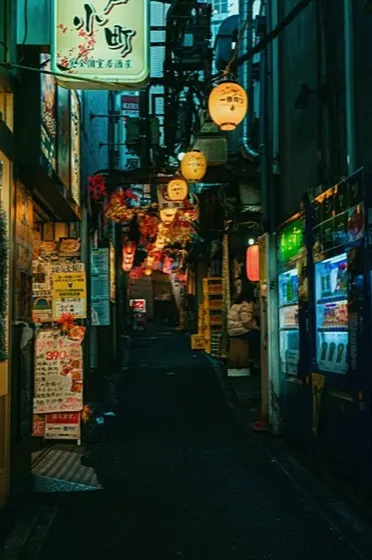
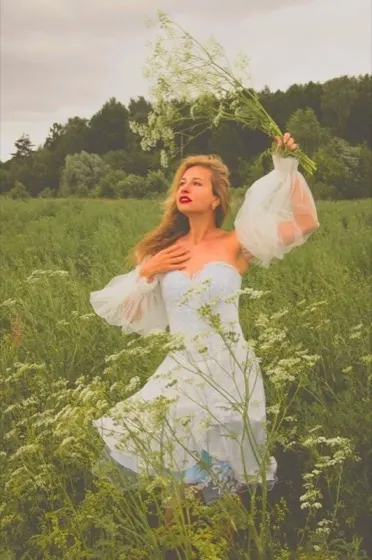
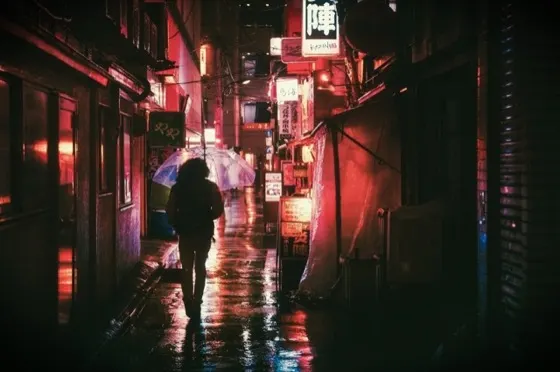
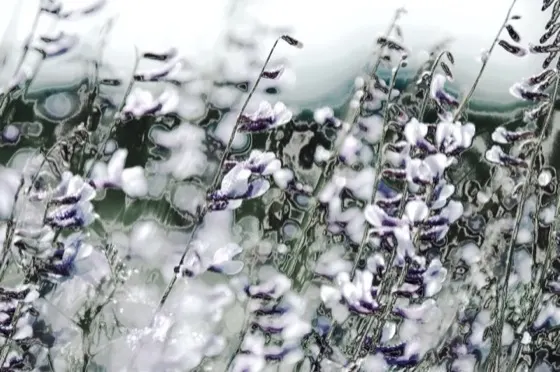
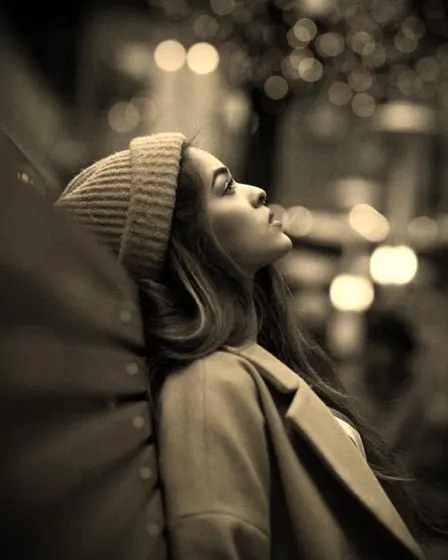
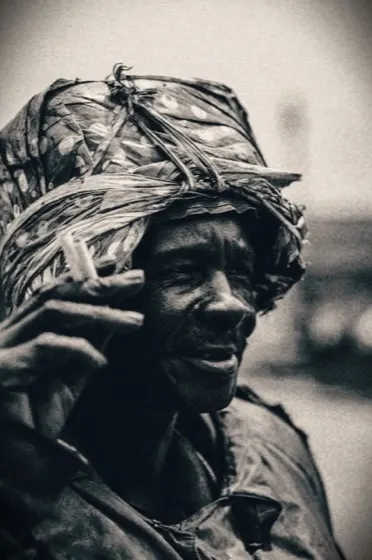
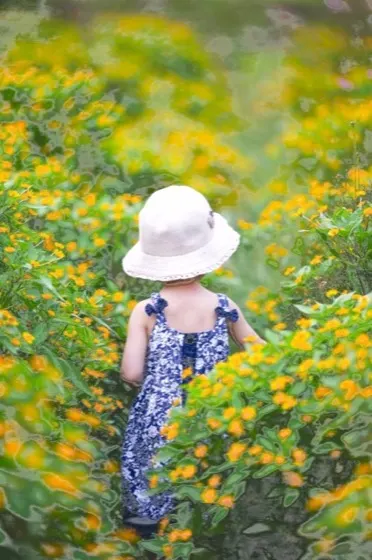
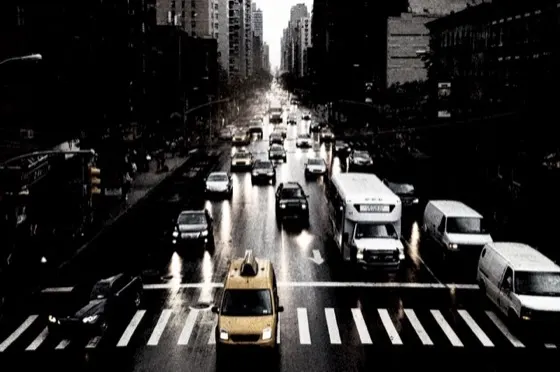
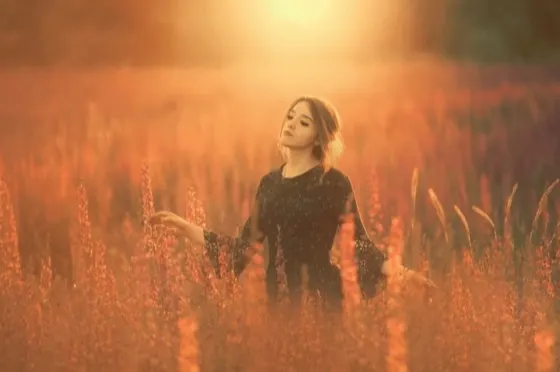
Non-destructive by design
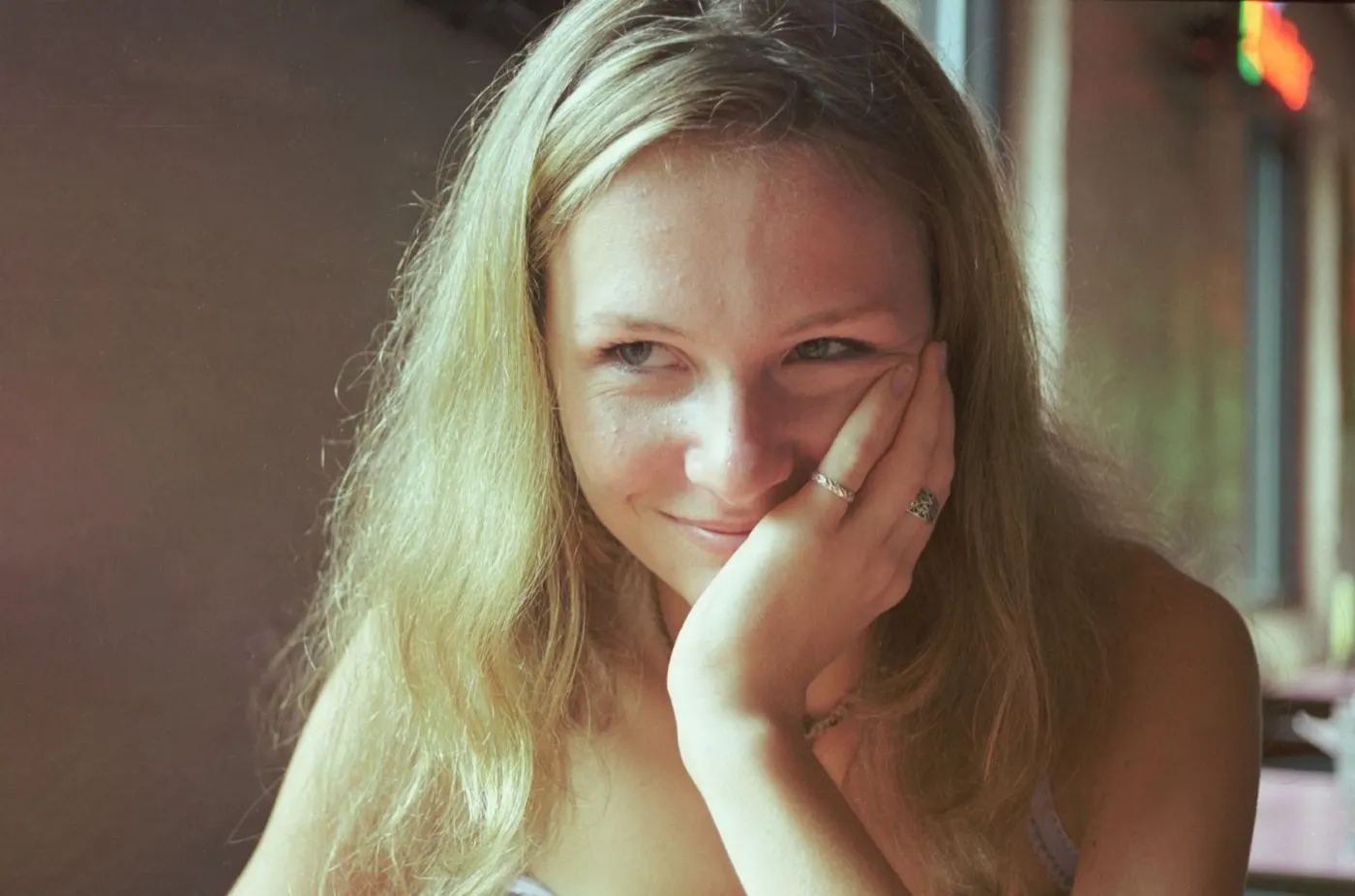
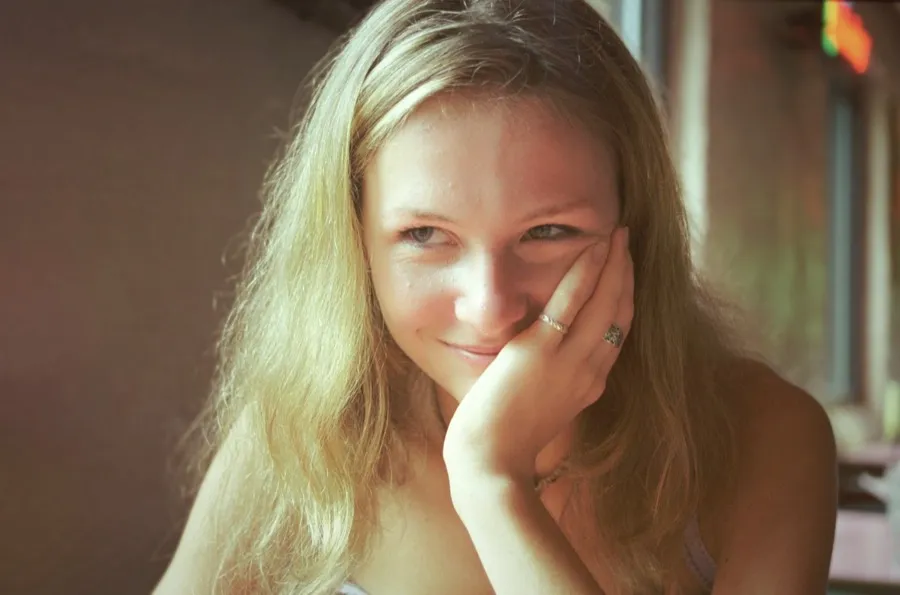
Subject-aware masking
Templates
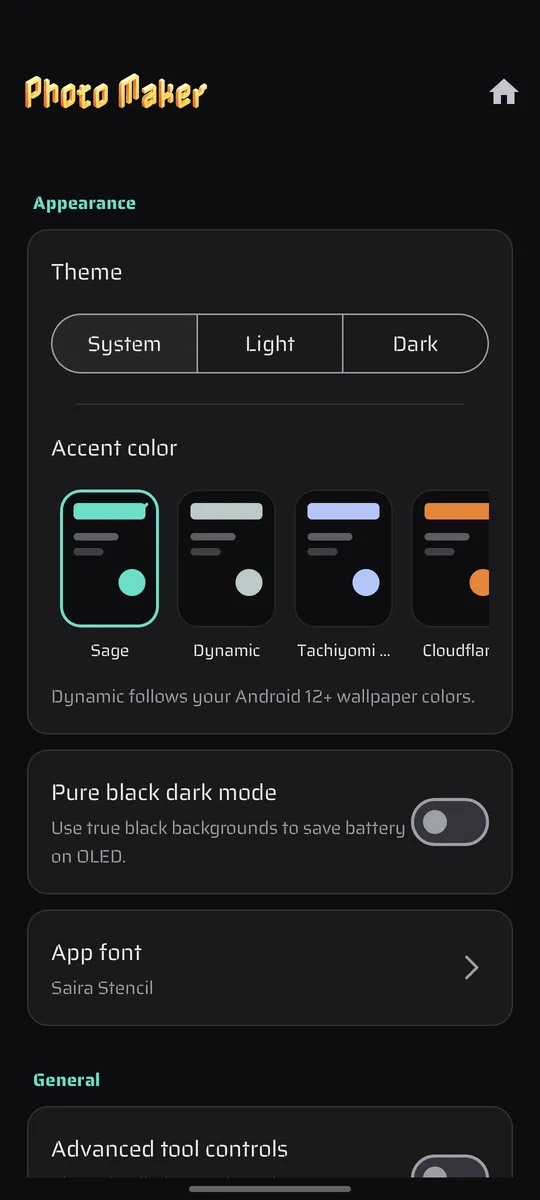
Use true black backgrounds to save battery on OLED.
Tap anything — this is the real Settings screen, three rows deep.
Appearance
Privacy
Not a line in a policy page — it is simply how the app is built. The only thing it ever fetches is the reference art for a style you actually tapped.
Every filter, blur, curve, mask and AI style is worked out on the device in your hand. There is no server to send a photo to, so there is no photo of yours sitting on one.
Open the app and edit. There is no login, no email field, no profile. Photos are picked through the Android system photo picker, so the app never gets blanket access to your gallery.
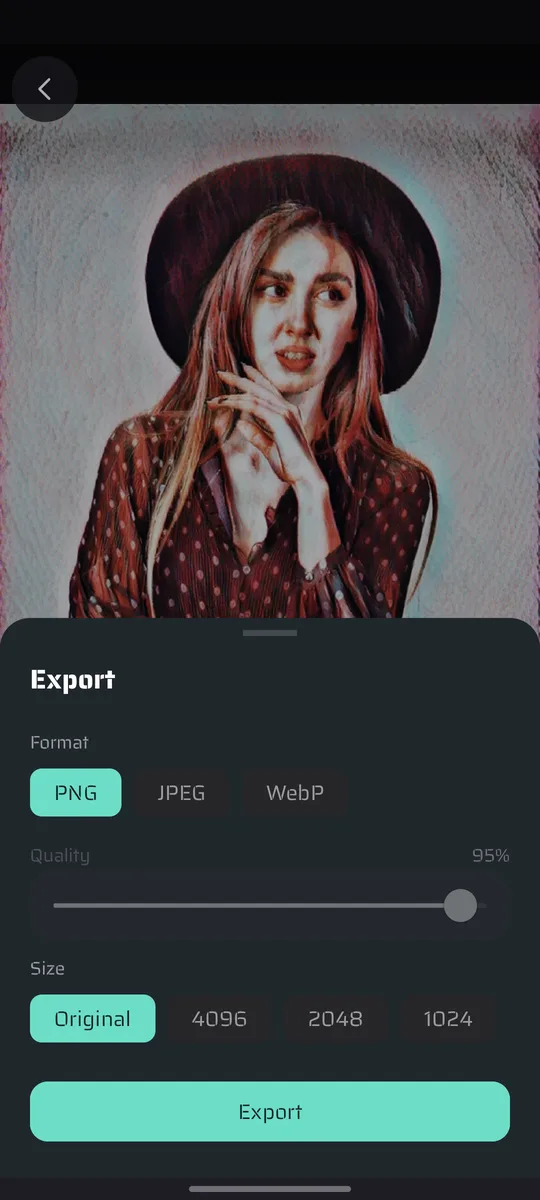
PNG, JPEG or WebP — with a quality slider, lossless WebP, and a long-edge cap of 1024, 2048, 4096 or full original resolution. Saved straight to Pictures/PhotoMaker. Never a watermark.
Free, on Google Play. Open it and edit — there is nothing to sign up for.
Download free onGoogle PlayThe toolbox
Effects stack on the working image, so nothing you do closes a door. Each tool commits as its own undo step — and Enhance skips the panel entirely: one tap, done.
Auto exposure, contrast and colour in a single tap — baked as one undo step, no panel to open.
Replay an entire edit session on a new photo — masked regions, placed objects, every slider.
Curated one-tap grades, from soft pastel air to hard cinema noir.
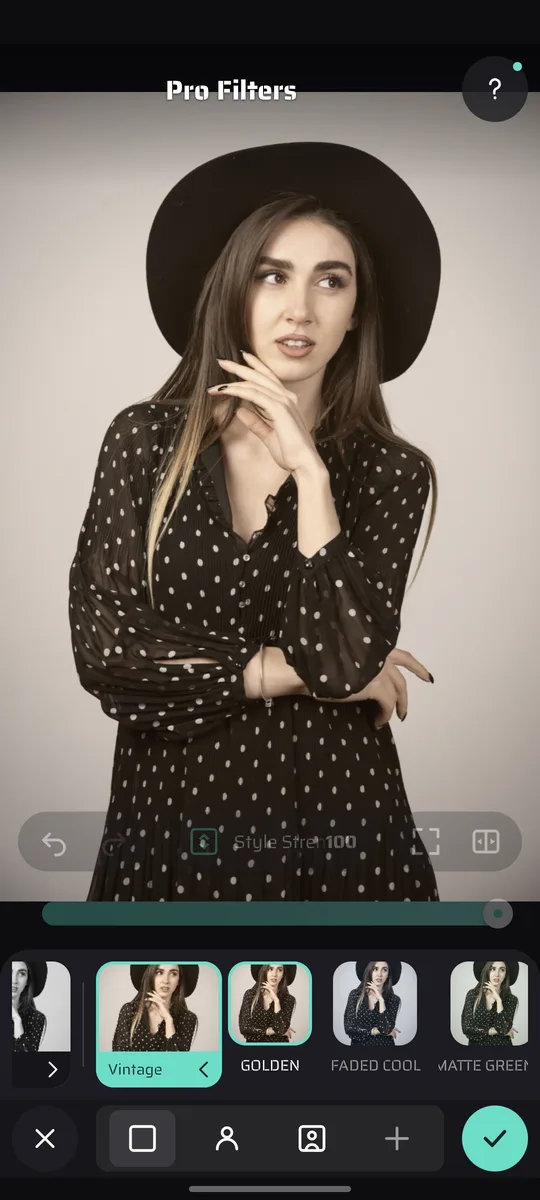
B&W, Vintage, Retrolux, Noir, Drama, Grunge and HDR Scape, all in one tabbed panel.
Turn a photo into a painting, a sketch or a poster. It happens on your phone — no upload, no queue.
A second shelf of art styles, each one downloaded only when you tap it. Browse the whole set offline.
Light leaks, grunge and scratch passes composited with real blend modes.
Soft-focus bloom that lifts skin and highlights without washing the frame out.
Scanned film grain layered at whatever strength the shot can carry.
Hand-built colour grades across seven packs — Classic, Cinematic, Charm, Tan, HDR, Selfie, Simple.
Brightness, contrast, saturation and warmth, plus Split Tone, Color Mix and Vignette sections.
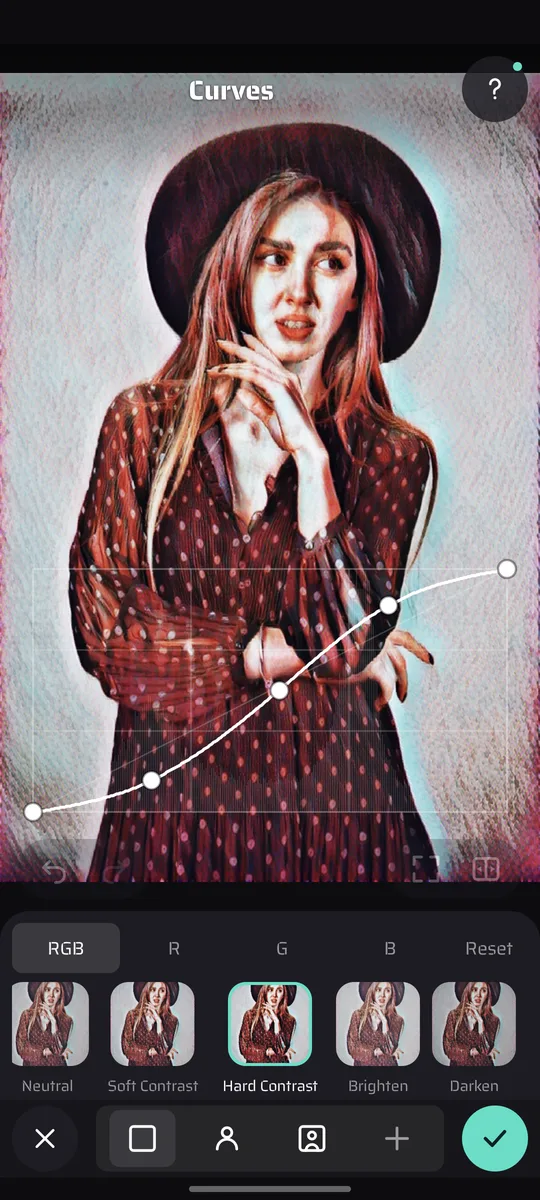
Per-channel tone curves with draggable points and a preset shelf.
Hue, saturation and luminance, band by band. Turn one colour without touching the rest.
Warm the highlights, cool the shadows — or invert it and watch the mood flip.
Contrast dialled separately into shadows, midtones and highlights.
Paint exposure, saturation, warmth and structure exactly where your finger goes.
Drop control points, pinch to size the area each one owns, then edit inside it.
Spotlight, skin smoothing and eye clarity that find the faces in the frame on their own.
Lens, radial and linear blur with a focus region you draw on the canvas.
Pull the corners down — or up — around a centre you can move.
Keep the subject in full colour, drain everything behind it.
Brush-masked skin smoothing that keeps pores, lashes and edges intact.
Highlights that bleed into the frame the way real glass does it.
The red-orange halo film gives back around a blown highlight.
Place type right on the photo — 50+ styled presets, and a switch that tucks it behind your subject.
Freehand colour, plus a Blend mode that smudges the actual pixels.
From hairline print margins to torn film edges.
Drop, scale and rotate art anywhere on the canvas.
Free, fixed-ratio and straighten, with rotate and flip.
Push, swell, pinch and twirl. Paint the warp in by hand, undo a stroke at a time.
Cut the subject out, then fill behind it with transparency, a colour or a new photo.
Take out a bin, a sign or a stranger. Tap what you want gone and the gap fills itself back in.
Blend a second image in, then transform it live on the canvas.
Straighten leaning buildings — tilt, skew and scale the whole plane.
Grow the canvas past the original frame and choose what fills the new edge.